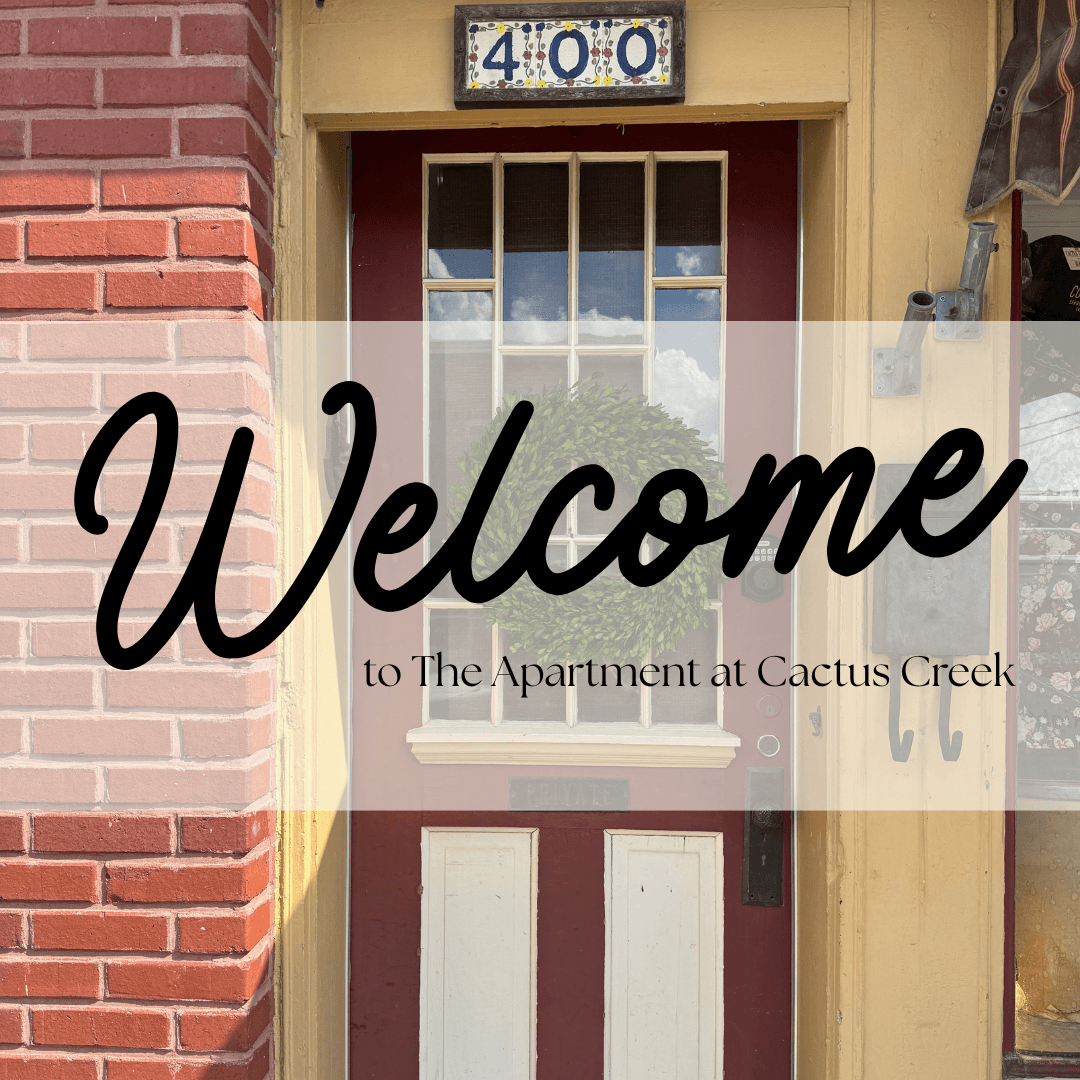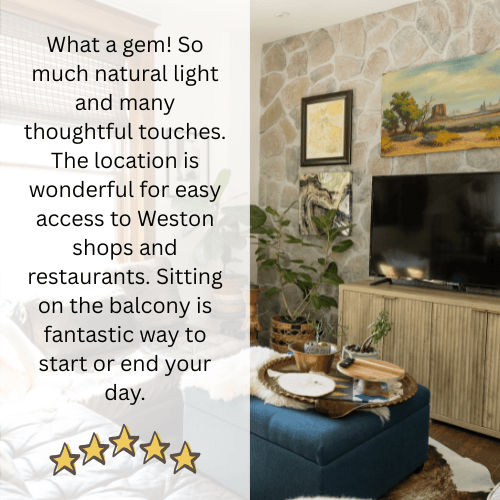

WELCOME TO THE APARTMENT AT CACTUS CREEK. WHETHER YOU'RE OUR GUEST - OR JUST CHECKING THINGS OUT - WE ARE GLAD YOU'RE HERE.
CLICK HERE FOR LINKS TO BOOK A STAY AT THE APARTMENT.
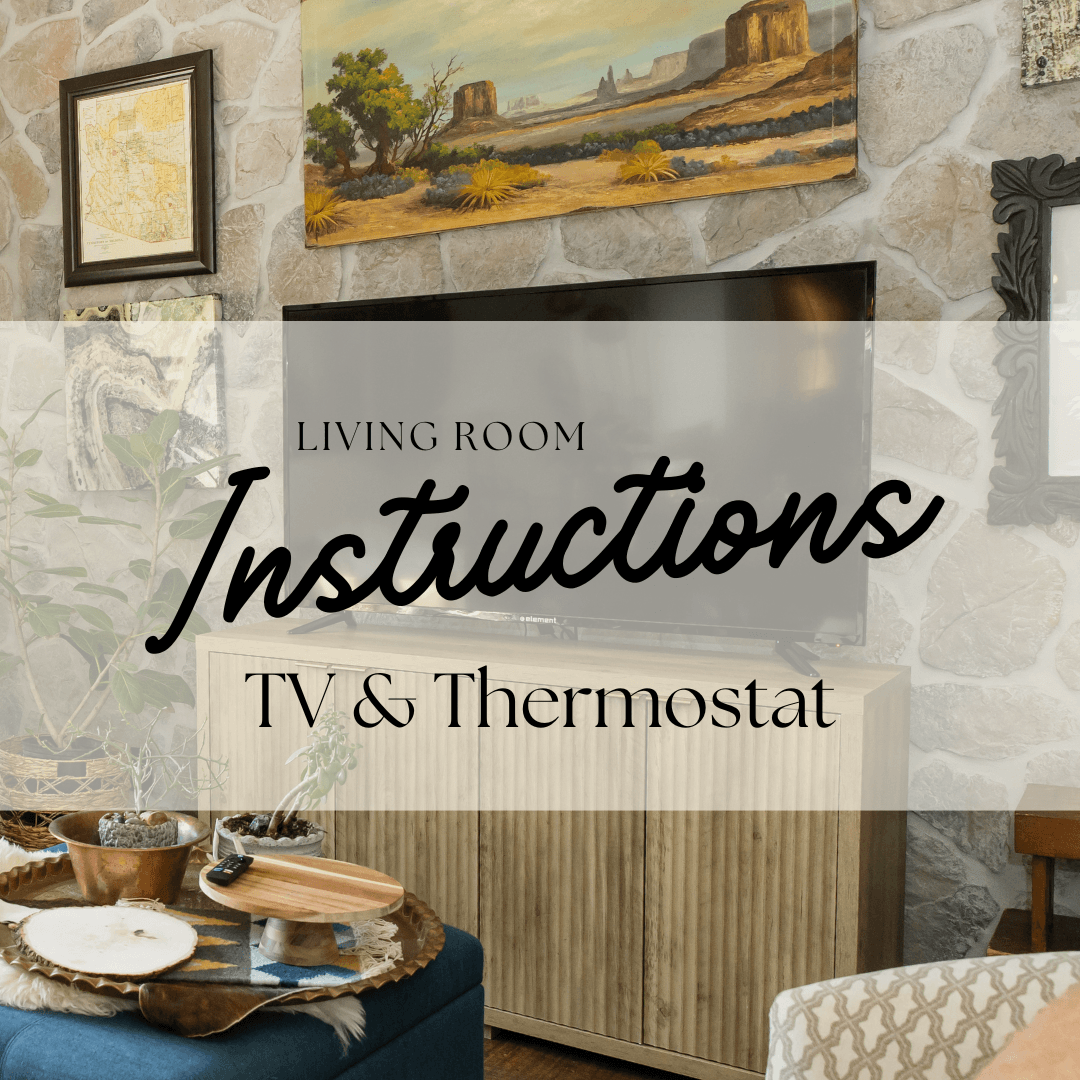
Board games, cards & books, and pens & paper are located in the TV Cabinet.
TELEVISION
We only use one remote - FireTV.
Press power button on top left.
Choose ‘Apartment’.
Choose your streaming service & choose ‘Apartment’ OR 'Cactus Creek' for the user.
THERMOSTAT
The thermostat is located in the living room above the lightswitch closest to the TV.
Tap to adjust the temperature.
Choose Cooling or Heating mode.
Adjust temperature with arrows.
*NOTE: This building is over 100 years old & built without electricity or central air - temperature in the living space can be different from bedrooms - adjust to your comfort.